Templates
Two KiCad 10 project templates for a CubeSat Kit user module, one for each board pattern in Pumpkin's CubeSat Kit PCB Specification (810-00253 rev B2). Each holds:
- the board, 90.17 mm × 95.89 mm, with its outline, the H1 and H2 bus headers and four mounting holes, all from the slot's footprint;
- the schematic, with the bus as one connector, J1: unit A is H1 and unit B is H2, every pin named by its bus signal and unconnected;
- board rules that keep copper 1.27 mm from the edge, as the specification recommends;
- its own copy of the
CubeSat_PC104library, so a new project needs nothing else installed.
Each passes DRC with schematic parity. ERC finds only the 104 unconnected bus pins, which a project clears by wiring them or flagging them no-connect. Getting started shows how to create a project from one.
Which slot
| Slot 0 | Slot 1 | |
|---|---|---|
| Template | CubeSat_PC104_Slot0 |
CubeSat_PC104_Slot1 |
| Footprint | CSK_PC104_Slot0 |
CSK_PC104_Slot1 |
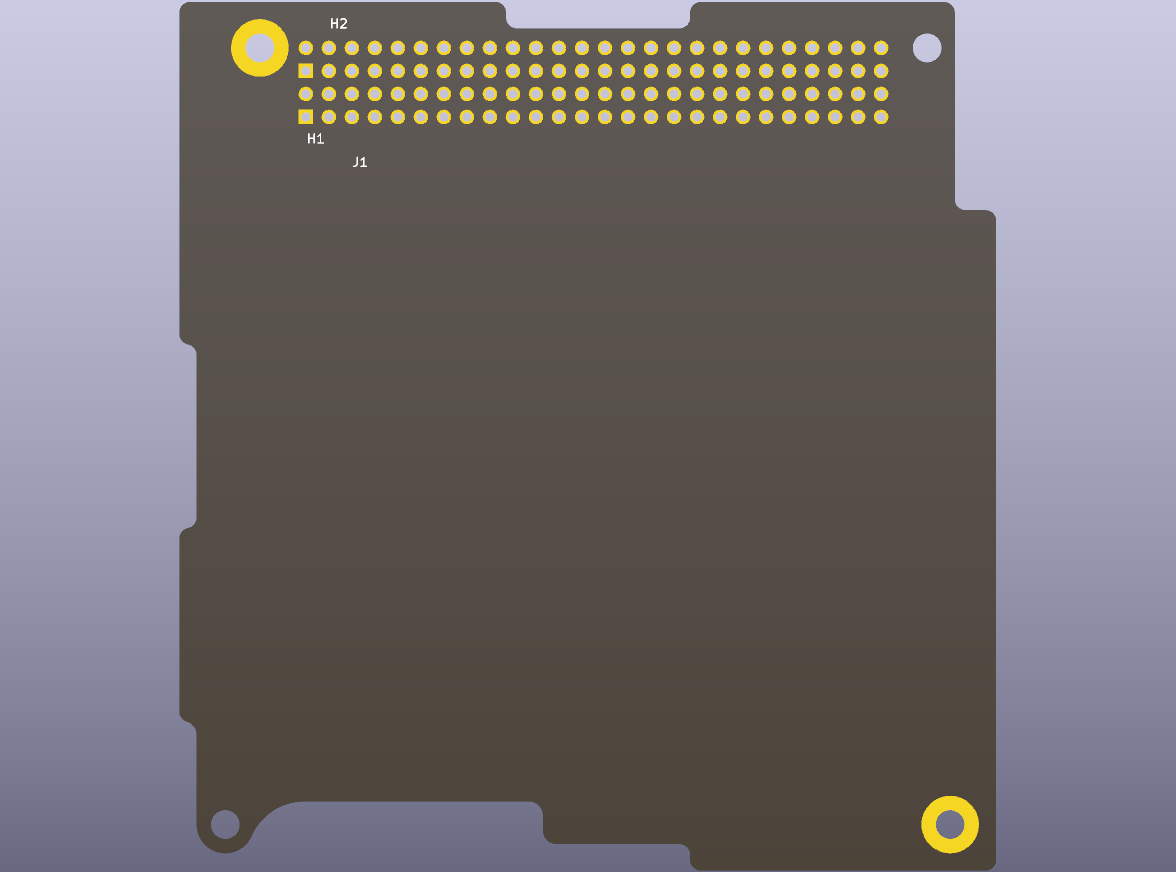
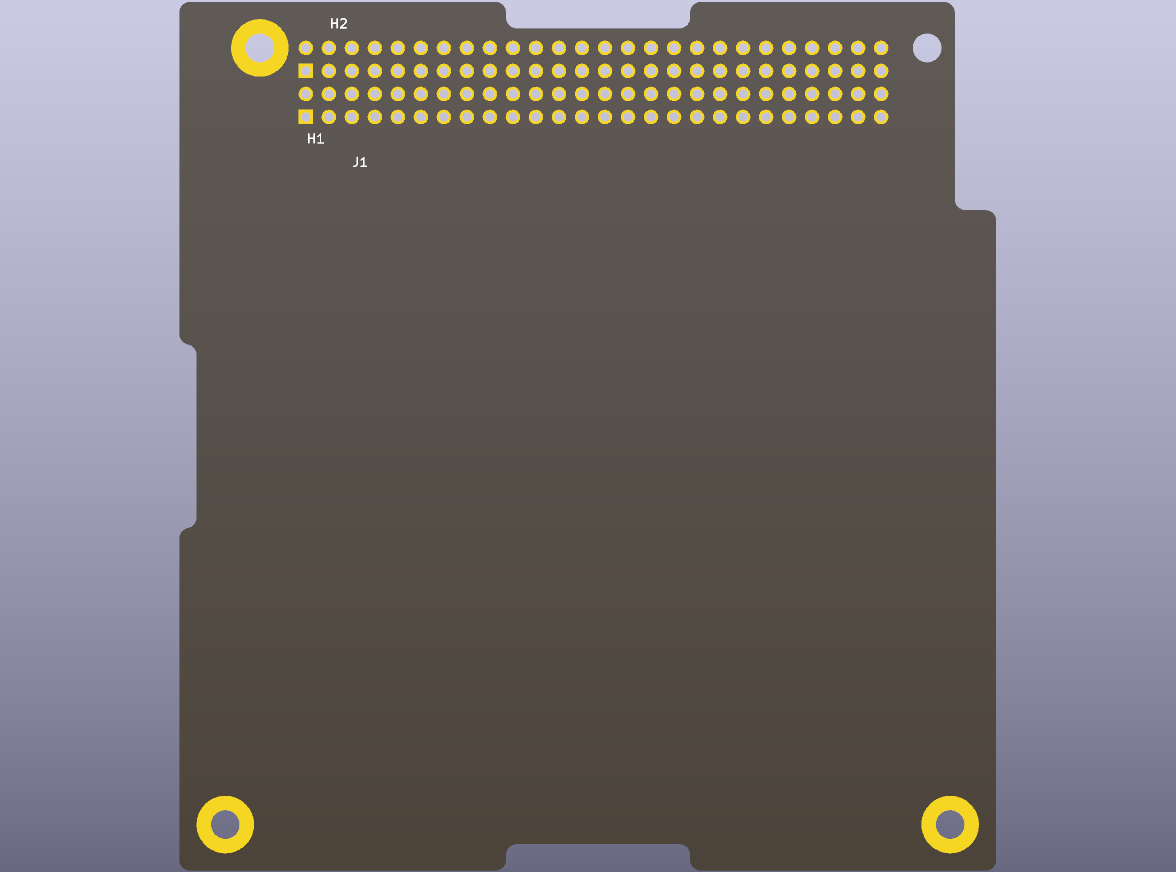
| Bottom-left corner | Cut away for the 2nd separation switch | Full |
| Keepouts | No parts on the right-edge patch (top) or at the separation switches (both sides) | None |
| Plated mounting-hole pads | Two (the other two are bare) | Three (top right is bare) |
| Use when | The module mounts on the 2-switch baseplate, or may go anywhere | The module never mounts on the baseplate |
The specification's Slot 0 sheet is for "user modules mounted to a Pumpkin CubeSat Kit 2-switch baseplate assembly", the bottom of the stack, and its Slot 1 sheet for "user modules that are not located in slot 0". A Slot 0 board also fits above the baseplate, and Pumpkin's example stacks use it at both positions, so it is the default. Slot 1 gives a little more board in the bottom-left corner and drops the keepouts, but cannot go on the baseplate. Stack and mechanical explains the cutout, the keepouts and the bare holes.
Slot 0
Slot 1
Where they live
templates/CubeSat_PC104_Slot0/ and templates/CubeSat_PC104_Slot1/ in the
repository, and cubesat-pc104-templates-<version>.zip on the
releases page.
Each folder's meta/ holds what KiCad shows in its template chooser.